
Wisconsin VINELink Arrest Search
The state's official custody and notification hub is VINELink, where the Polk County arrest check begins.
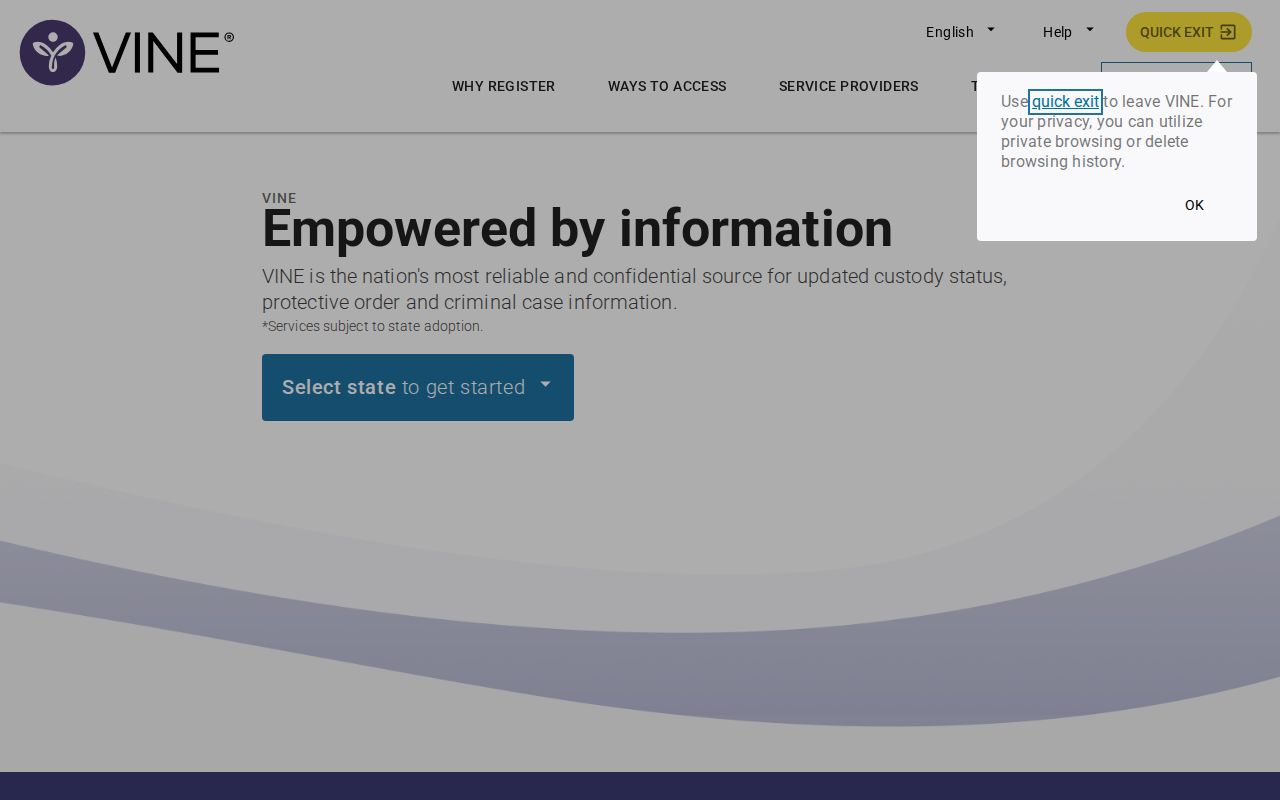
The screen is for custody status and alerts, not booking photographs or court dispositions.
WI VINE Alert Instructions
The Wisconsin DOC VINE page details county jail coverage, phone registration, language options, and the four-digit PIN.
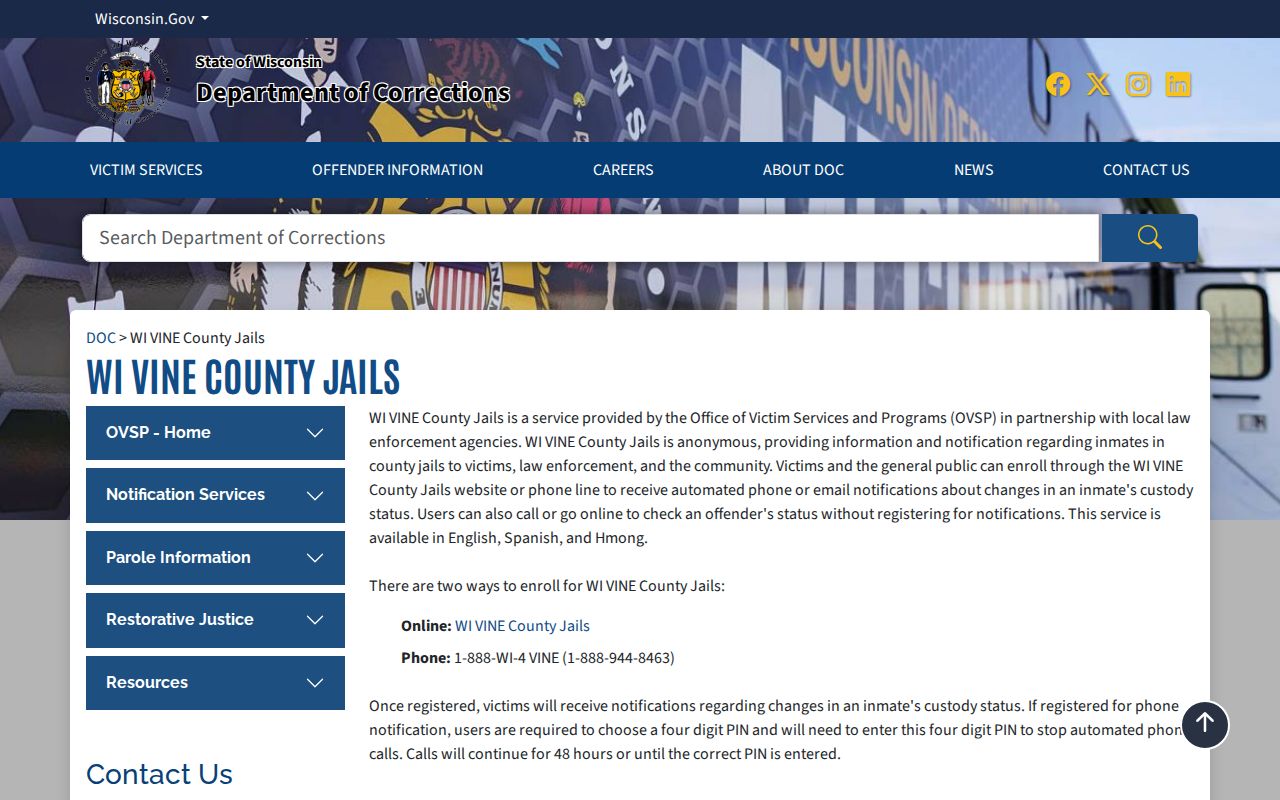
State instructions help, yet a fresh booking changes fast. Pair them with the live VINELink record and a direct call to the jail.
What VINELink Covers in Polk County
VINE in Polk County tracks custody, not the full arrest record. The jail holds that record. Court files hold the outcome. For anything beyond who is in custody, go to the agency that keeps the original file.
How to Check a Polk County Arrest on VINELink
Each record lives with its government custodian. VINELink points you to the office holding the file. Confirm custody, booking details, and court outcomes with that agency directly.
What VINELink Shows After an Arrest
After a Polk County arrest, VINE lists where the person is held. It shows custody status and sometimes a booking number. It does not show booking photos or charges. The jail roster and court records fill in those gaps.
How to Register for Custody Alerts
Registration runs online or by phone. Add a phone number and a four-digit PIN, then pick the person in custody. VINE calls or texts when that status changes. Alerts keep working after release or transfer.
VINELink Limits and How to Confirm
VINE has real limits. Polk County data can lag, and a transfer between jails may take a day to appear. The live record plus a call to the jail settles any doubt.